

AutoChapters compatible with

Generate chapters for Premiere Pro & DaVinci automatically

Create organized, export-ready YouTube chapters automatically, with controls for language, chapter count, and custom AI instructions.

4.7/5 on Googlefrom 286 reviews
4.8/5 on Trustpilotfrom 322 reviews

14-day free trial - No credit card required!

Step-by-Step

How does it work?

  1. Set audio language

    Select your video’s language to prepare transcription and accurate chapters. Choose your export format (timeline or .txt) before generating.

  2. Customize your chapters

    Define the number of chapters and fine-tune detection by guiding the AI with custom instructions.

  3. Review & export your chapters

    Review your chapters and export them seamlessly to YouTube.

Testimonials

Hear our customers' voices

The AutoChapters feature has helped me streamline my workflow more than I expected. It not only saves time but also ensures that my content is easy to navigate, especially for viewers who want to jump to specific sections. Since I started using it, I’ve seen more engagement and better viewer retention on my YouTube channel.

Sean Beats

Sean Beats

I’ve been looking for something like AutoChapters for ages. The way it analyzes the content and breaks it down into logical chapters is really impressive. It makes my YouTube videos look so much more polished and professional, and it improves the user experience for my viewers. Plus, it's so easy to use — no learning curve at all!

Dovid Craymes

Dovid Craymes

AutoChapters has become an essential part of my editing toolkit. It saves me hours of manual work.

EF Productions

EF Productions

AutoChapters has completely changed the way I publish on YouTube. Before, I had to go through my entire video manually to figure out where to place chapters. Now, it’s all done for me in seconds, and the results are super accurate. It saves me at least an hour per video — that’s a game changer when you're uploading weekly!

Peter McBean

Peter McBean

It's a very useful tool. I especially liked the ability to create clips and chapters. It's definitely something that should revolutionize editing with Adobe Premiere.

Manuel Diaz

Manuel Diaz

Master AutoChapters

Everything you need to organize your videos with chapters. Explore 2 practical guides to create chapters automatically and make your videos easier to navigate and more professional.

Explore the documentation

Support

About AutoChapters

Learn more

Features

Explore more of AutoCut

Dive into our 9 AI-powered features to elevate your content.

AutoCaptions feature illustration

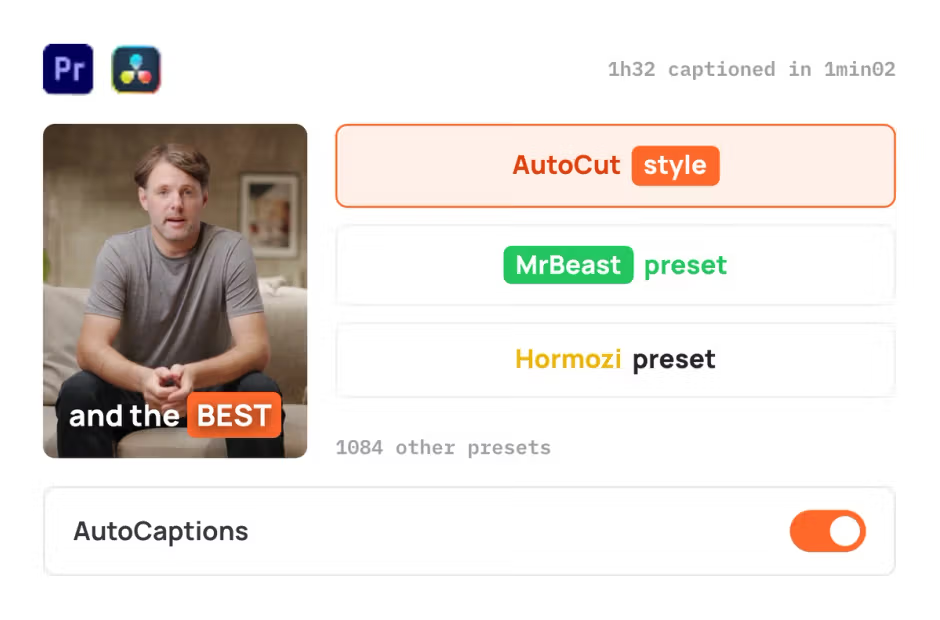
AutoCaptions

AutoCaptions generates animated captions and translates them instantly, boosting the dynamism and engagement of your videos.

AutoCut Silences feature illustration

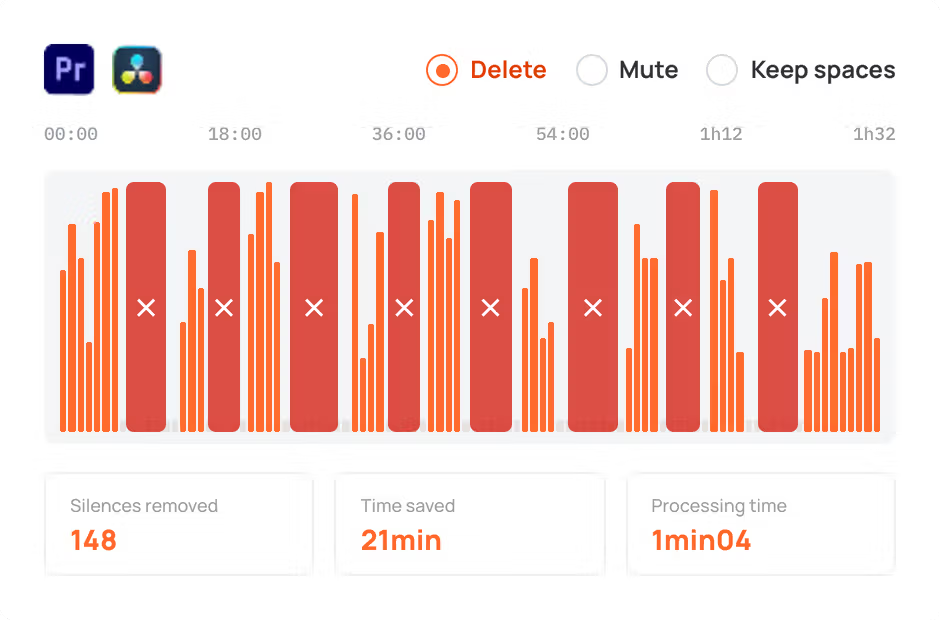
AutoCut Silences

AutoCut Silences eliminates pauses, enhancing video dynamics for a more captivating experience.

AutoCut Podcast feature illustration

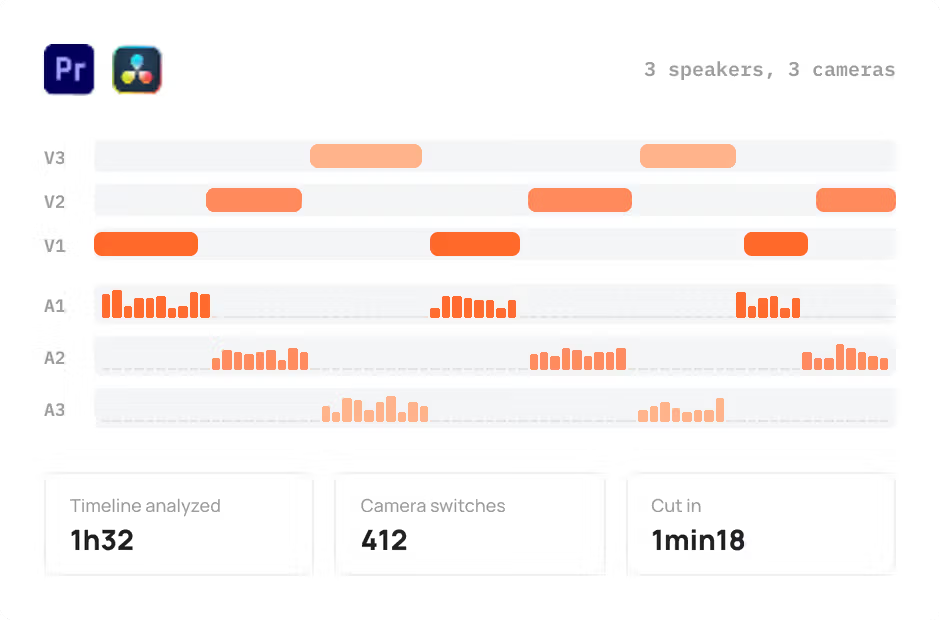
AutoCut Podcast

AutoCut Podcast automates speaker recognition and camera switching for quick multicam podcast editing.

AutoZoom feature illustration

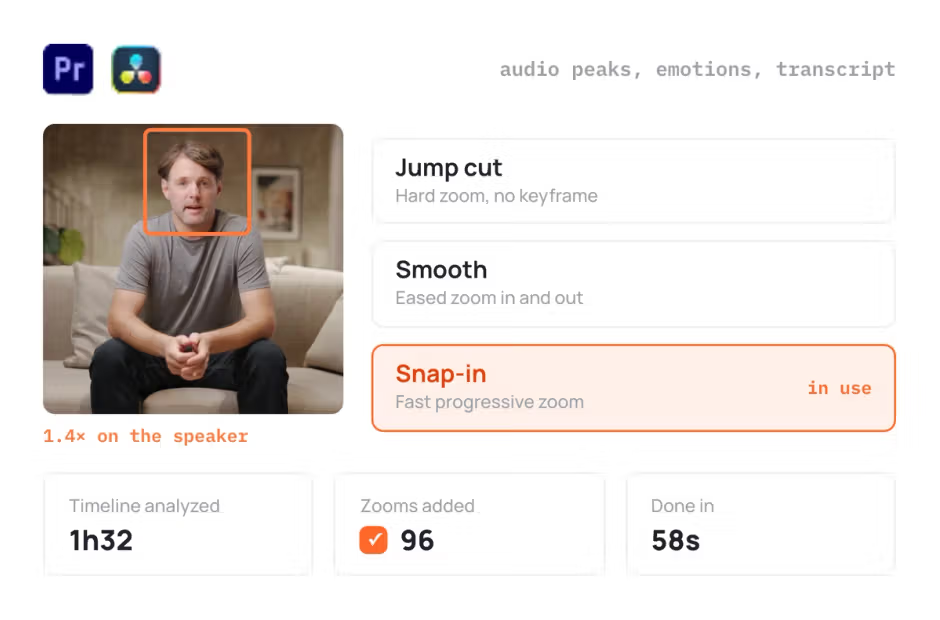
AutoZoom

AutoZoom applies smart and perfectly timed zooms to boost engagement and storytelling.

AutoViral feature illustration

AutoViral

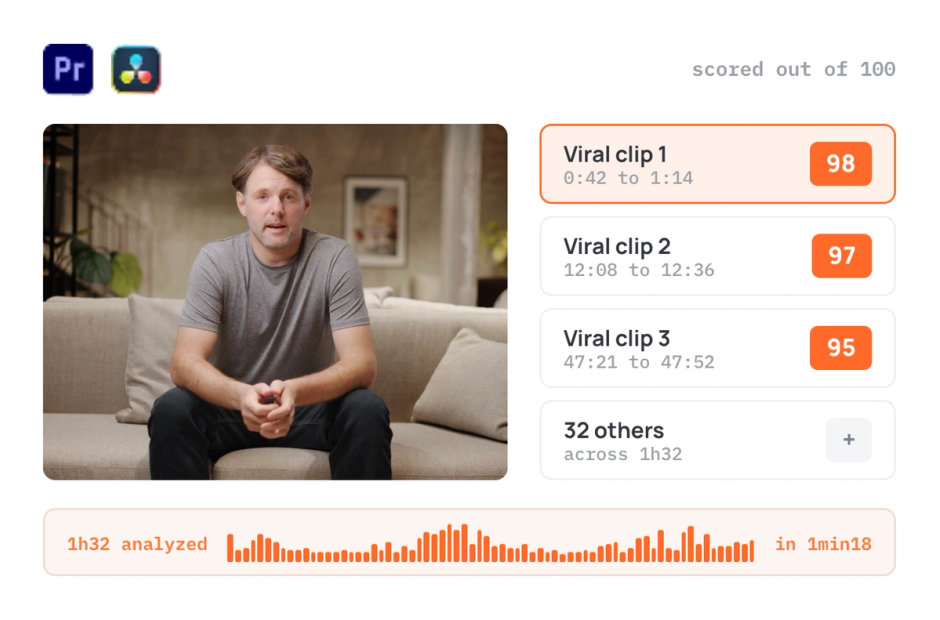
AutoViral identifies key segments in long videos for creating short-form content.

AutoB-Rolls feature illustration

AutoB-Rolls

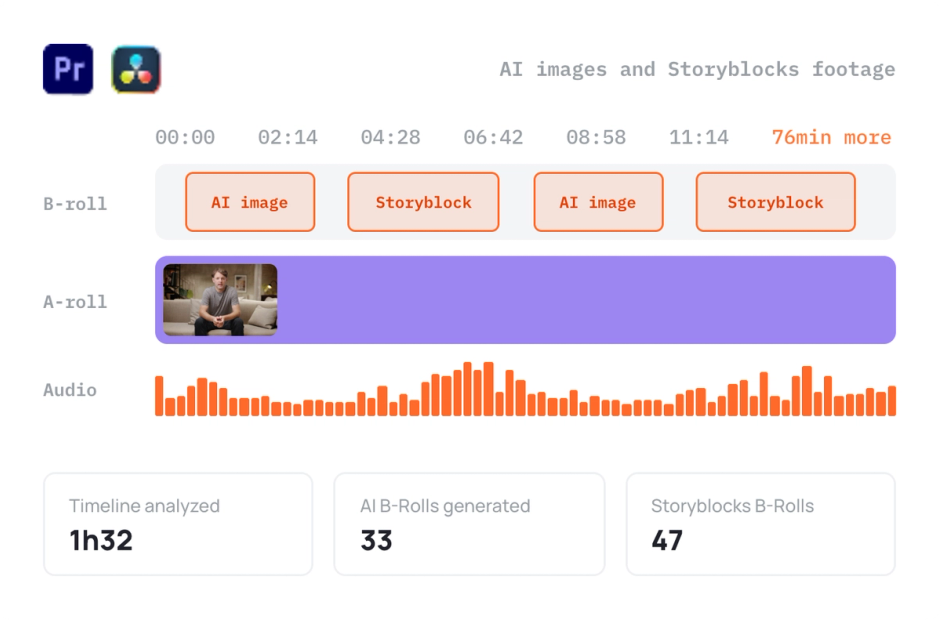
AutoB-Rolls uses AI to enrich your edits with perfectly integrated stock footage.

AutoCut Repeat feature illustration

AutoCut Repeat

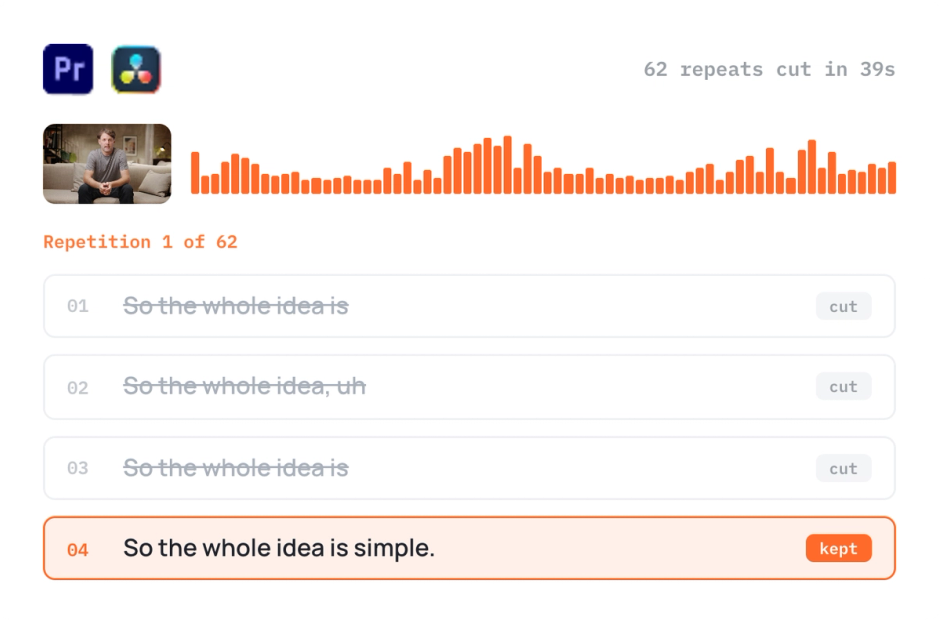
AutoCut Repeat identifies content repetitions and preserves only the best takes.

AutoProfanity Filter feature illustration

AutoProfanity Filter

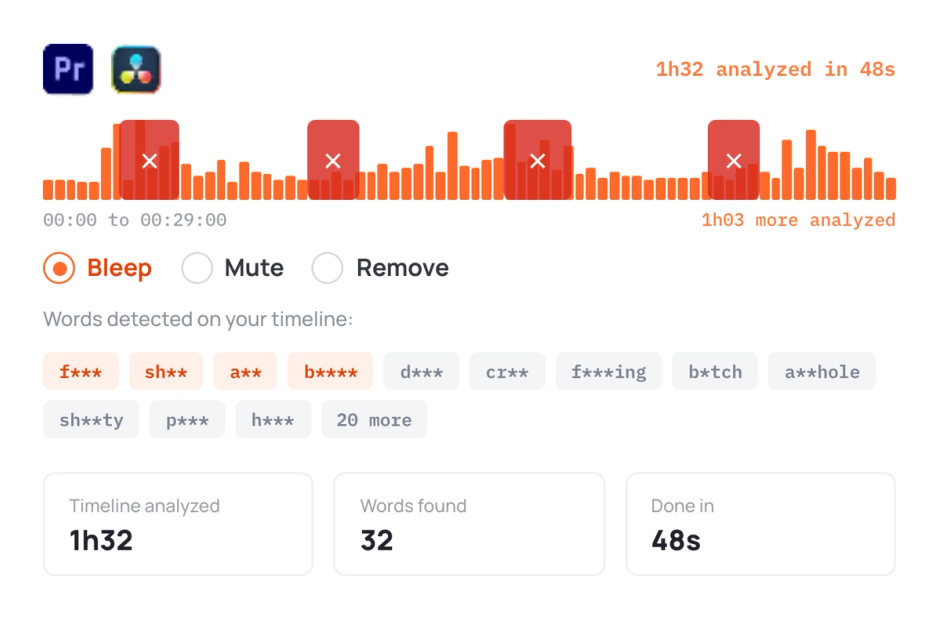
AutoProfanity masks profanities with sound effects, ensuring content integrity.

AutoResize feature illustration

AutoResize

AutoResize adapts sequences to social formats, smartly keeping subjects centered.

Start your 14-day free trial

Elevate your editing process with AutoCut now!

Free download